
Appearance
Remote browser access
klars serve runs the workspace without a desktop window. Connect from a browser while Python, project files, and terminal commands stay on the service machine.
Provisioning
These instructions assume you already have a provisioned klars serve installation. A public headless archive download is not linked here yet. Node.js 22.13+ and a suitable Python environment are prerequisites.
Start the service
On the machine holding your model, select its Python interpreter and start klars serve.
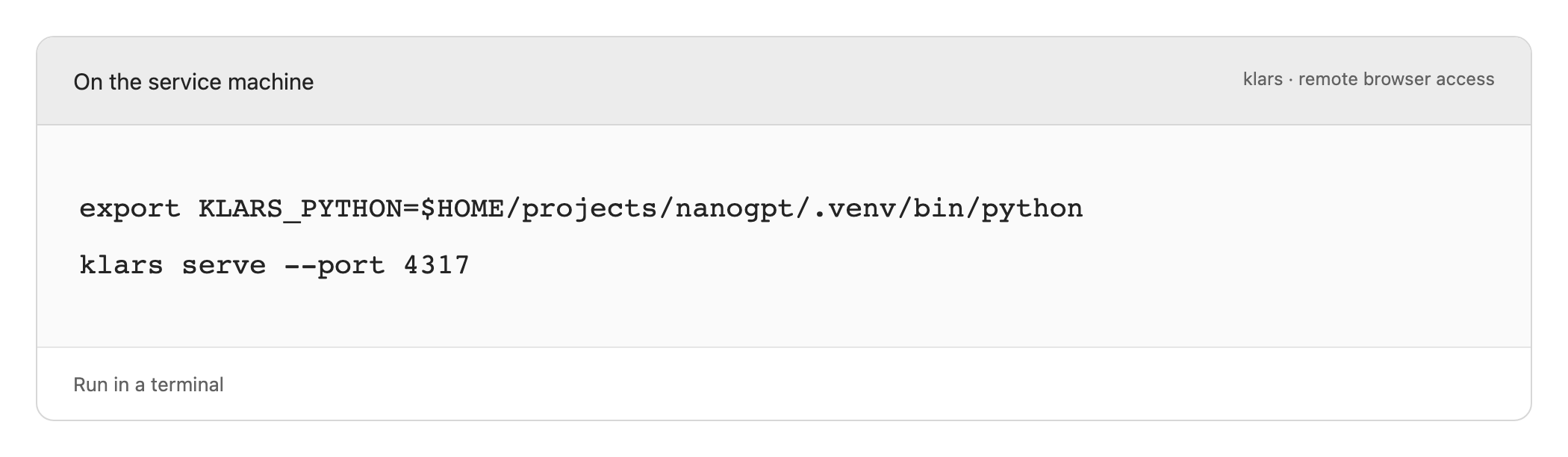
Command figure, not an active terminal or a connected SSH workspace.1 Start klars on the machine holding the model
On the machine holding your model:
sh
export KLARS_PYTHON=/absolute/path/to/your/env/bin/python
klars serve --port 4317
The default listener is 127.0.0.1. The CLI prints a one-time browser URL to its controlling terminal. It does not launch a browser on the remote machine.
Forward the port
On your laptop, run the SSH forward and keep that terminal open. Then open the private, one-time browser URL printed by the service.
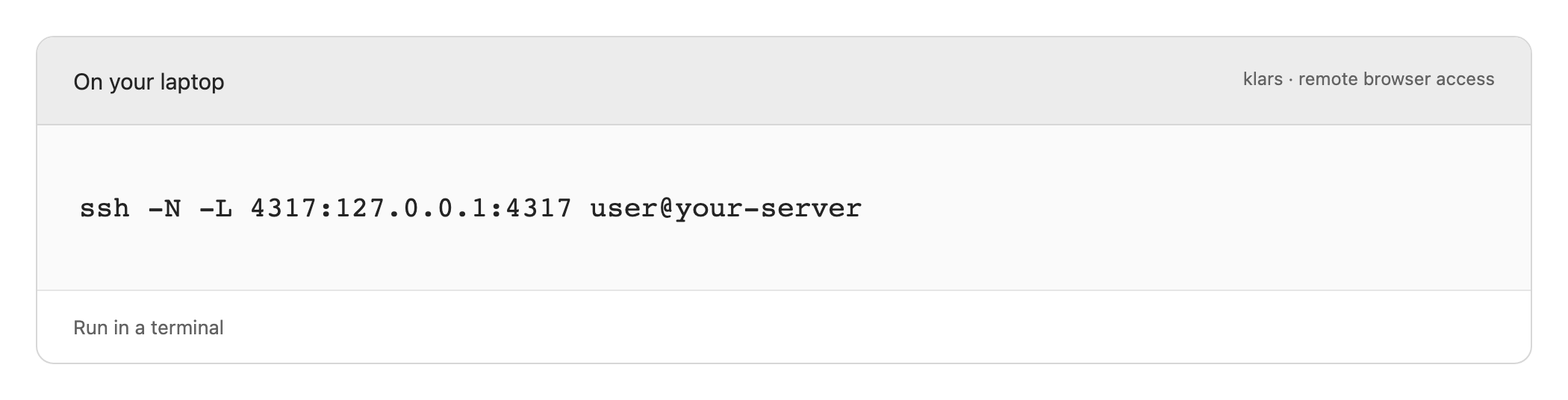
Command figure. The default app build has no SSH connection dialog.1 Keep this SSH tunnel running
From your laptop, keep an SSH tunnel open:
sh
ssh -N -L 4317:127.0.0.1:4317 user@your-serverOpen the printed one-time URL in your laptop’s browser. If you selected another service port, use that port in the forward as well.
Owner access
The one-time URL grants owner access, including the project shell on the service machine. Keep it private. It expires and can be consumed once; restart serve to obtain another URL.
Use the workspace
Folder paths are paths on the service machine. Select its Python environment, open its model project, and use the same graph, chat, and experiment views as desktop.
With the default data directory, a same-user Python tracker on that machine can discover the service automatically. A custom --data-dir intentionally isolates discovery; pass the tracker’s address and credential explicitly.
Direct HTTPS access
SSH forwarding is the simplest setup. For a direct remote listener, you must explicitly provide a bind address, public HTTPS origin, TLS certificate, and private key:
sh
klars serve --host 0.0.0.0 --port 4317 --public-origin https://ml.example.com:4317 --tls-cert /absolute/path/cert.pem --tls-key /absolute/path/key.pemUse a browser-trusted certificate and restrict network access to trusted clients. Only the literal 127.0.0.1 selects loopback mode; localhost and ::1 also require the explicit TLS options.
Direct remote mode uses the terminal’s owner handoff; pairing-code redemption is disabled there. This also prevents Create token in Settings › Experiments › Tracking tokens from completing. Use loopback serve with SSH forwarding for that workflow. Remote MCP OAuth is not supported.
Stop cleanly
Press Ctrl C in the serving terminal. klars closes listeners and removes its discovery record and owned lock. See the CLI reference for all supported options.