
Appearance
Compare & review
A run comparison answers a different question from a capture comparison. Choose the evidence that matches the change you are investigating.
Compare runs
In Experiments, check exactly two runs and choose Compare selected runs.

Example nanoGPT runs logged through the klars tracking API.1 Choose baseline2 Choose lower learning rate3 Compare selected runs
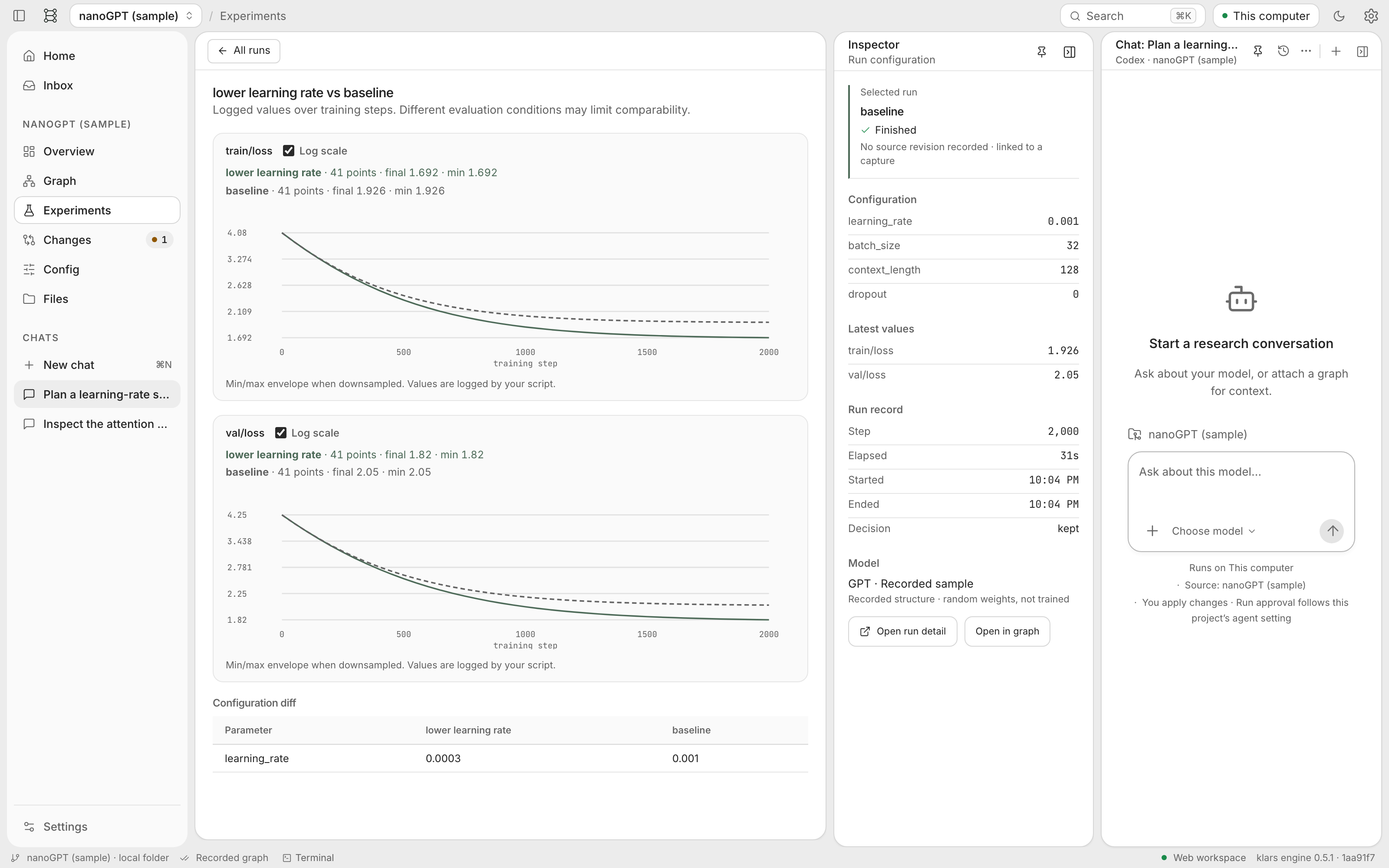
In Experiments, check exactly two runs and choose Compare selected runs. Inspect their configuration and recorded outcomes side by side.
For a quick curve comparison, the Runs view can overlay up to three checked runs on shared step axes. Different training lengths or logging intervals remain visible; comparing them does not rerun training.
Compare captures
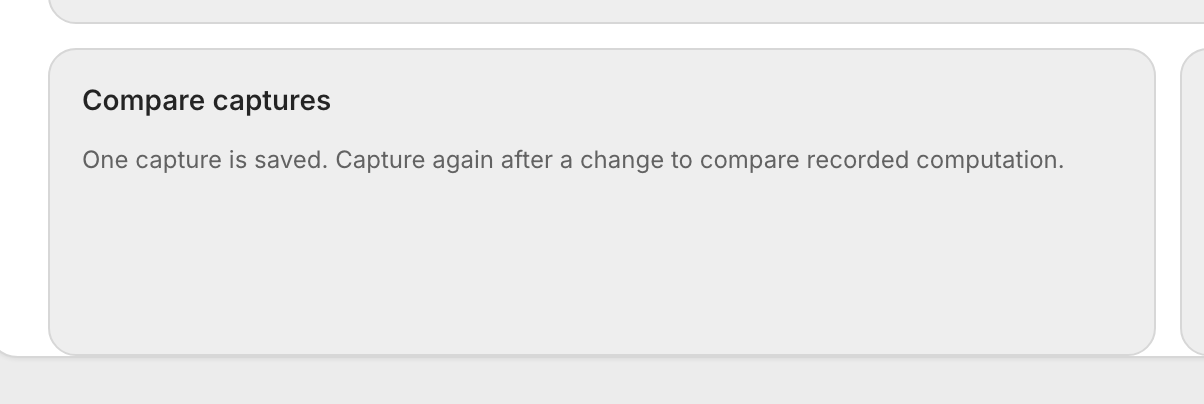
Open Diff for the model, choose Earlier capture and Later capture, then choose Compare captured evidence. In Lineage, enable Compare and select two compatible capture nodes, or use Shift-click to select the pair.
A capture comparison uses saved graph evidence. Check the provenance of both sides: inputs, source revision, and whether real values were captured affect what a difference means.
Selecting incompatible kinds of Lineage nodes does not produce a comparison. Choose two runs, two captures, or two revisions.
Review source changes
Choose Changes in the sidebar. In the proposal, select the file header to expand or collapse its source diff.
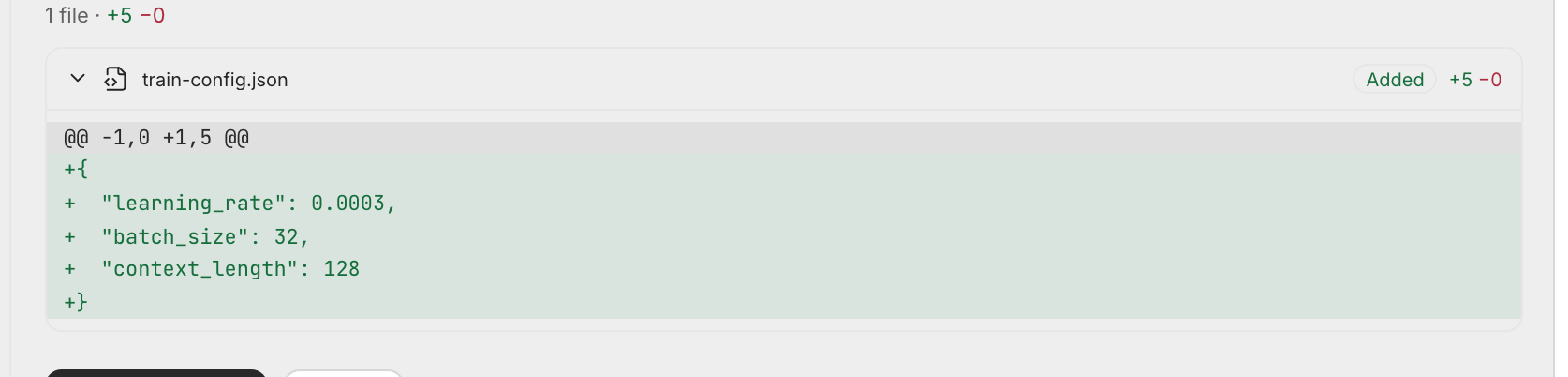
Example proposal: add a training configuration. It has not been applied.1 Expand or collapse train-config.json
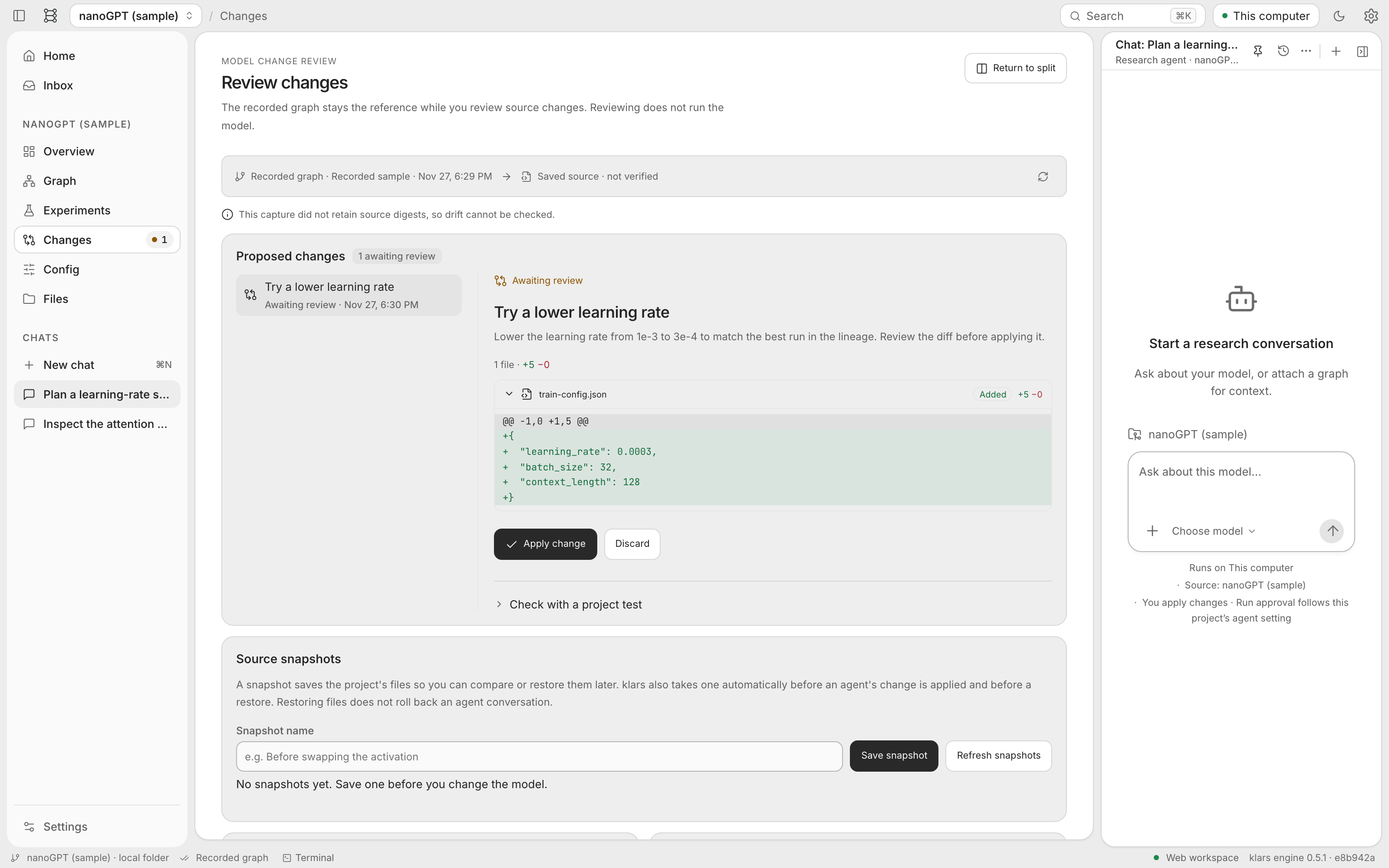
Choose Changes in the sidebar to reach Review changes. This page shows source drift between a recorded capture and saved files, and proposals waiting for review. Open the relevant source diff to see what changed.
Comparison itself does not run the model. A fresh capture is a separate action when you need evidence for your new source.
Decide on a proposal
After reading the diff and available evidence, choose Apply change to apply the proposal, or Discard to leave it unapplied.

These actions are pictured before either is selected.1 Apply change2 Discard
Read the source diff and any graph evidence before accepting a proposal. Apply change accepts and applies the proposal; Discard leaves it unapplied. If klars cannot create the safety snapshot, it reports that failure and asks you to decide how to proceed.
A source snapshot restore is a separate, explicit approval. In Source snapshots, select a snapshot to inspect its diff against working files. Then choose Restore… → Request restore approval. Review the approval rationale and choose Restore or Cancel. The approval itself does not list file changes.
Name the comparison
Before you apply a change, be clear whether you are reviewing source, model structure, or training results. A better metric does not by itself prove that a source proposal is correct.
See keyboard shortcuts for source review and Runs & Lineage.