Appearance
Runs & Lineage
Runs tells you what happened. Lineage helps you remember how you got there: the parent run, the checkpoint you started from, the change you tried, and the outcome you kept.
Inspect runs
Open Experiments in the sidebar for the model’s runs. Select a run to inspect its configuration, status, metric history, and recorded artifacts or evaluations.
Check up to three runs to overlay their metric curves on shared step axes. For a detailed pairwise comparison, select exactly two and choose Compare selected runs.
klars shows only metrics and relationships reported to the service. An empty plot means no matching points have been logged; it is not a measurement of zero.
Follow Lineage
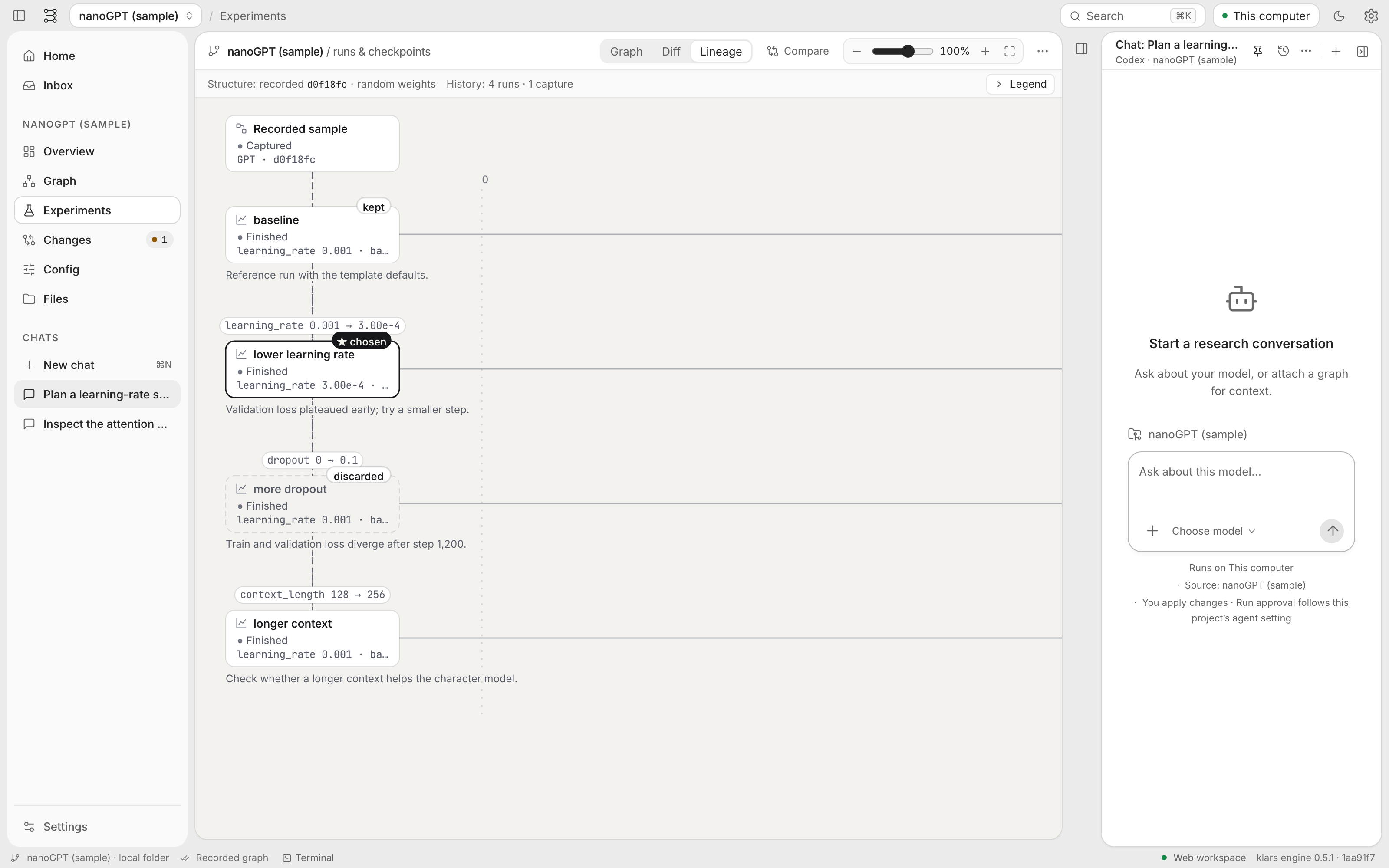
Open Lineage and select a run node, such as lower learning rate, to inspect its record.
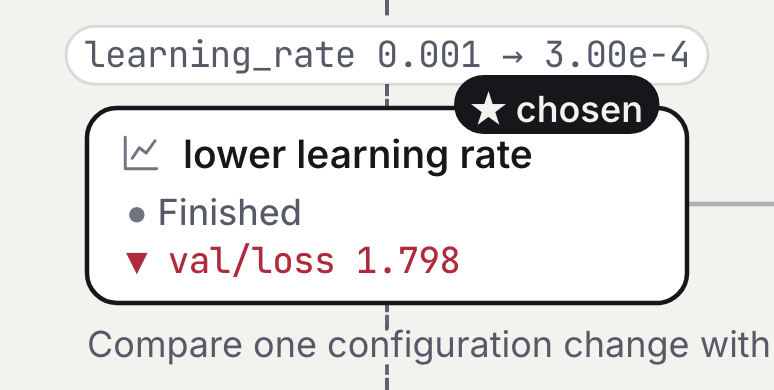
1 lower learning rate To select a pair for comparison, enable Compare, then select two compatible nodes.

1 Compare
Choose Lineage in the graph toolbar, or Experiments in the sidebar and then Lineage. The view connects runs, captures, checkpoints, and recorded revisions where relationships exist.
Select a node to inspect its evidence record. Move between Graph, Diff, and Lineage to inspect the same model from different angles. Your Lineage selection is restored when you return if that object still exists.
A run’s record explains:
| Part | What it means |
|---|---|
| from | Recorded incoming relationships, such as a parent run or source checkpoint. |
| tried | Configuration changes from the parent. A root run lists its configuration. |
| why | Your recorded experiment reason, result, and decision. |
| after | Directly linked children, grouped by kind. |
Record what you learned
In a selected run’s why section, edit the reason, outcome, or decision. Choose Save when you have changes to record.
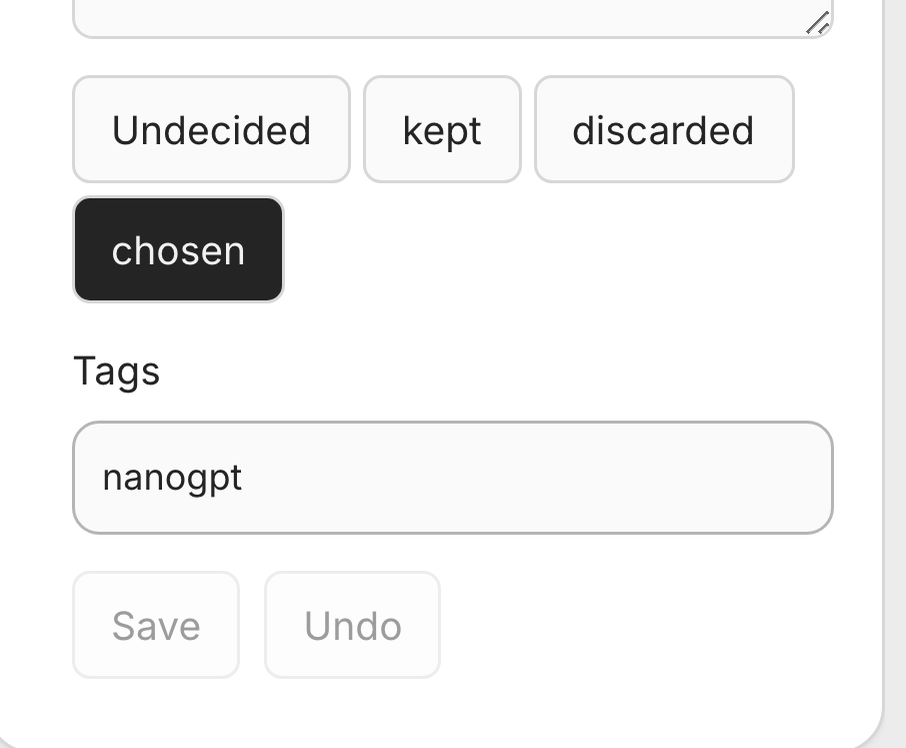
The sample record is already saved, so Save is disabled until you edit a field.1 Choose a decision2 Save the run review
In the selected run’s review form, enter the reason for the experiment and an outcome note. Choose a logged metric and whether lower or higher is better.
Choosing an outcome metric copies the value displayed in the selector: its last value by step from the data loaded with the form. Save records that selected value. You cannot type an outcome value, and the saved outcome does not silently follow later points.
Choose Undecided, kept, discarded, or chosen, and add tags if useful. Save records the review. Undo returns the form to its saved values. If saving fails, your edits remain so you can retry.
Open projects on Lineage
Enable Open models on Lineage in Settings or the Lineage options menu if experiment history is your preferred starting point. This applies when the project has no saved view to restore; otherwise, klars resumes that view first. Without a saved view or this setting, the project opens on the graph.
Learn how to report parent and capture links, or compare runs and captures.